Keyboard shortcuts
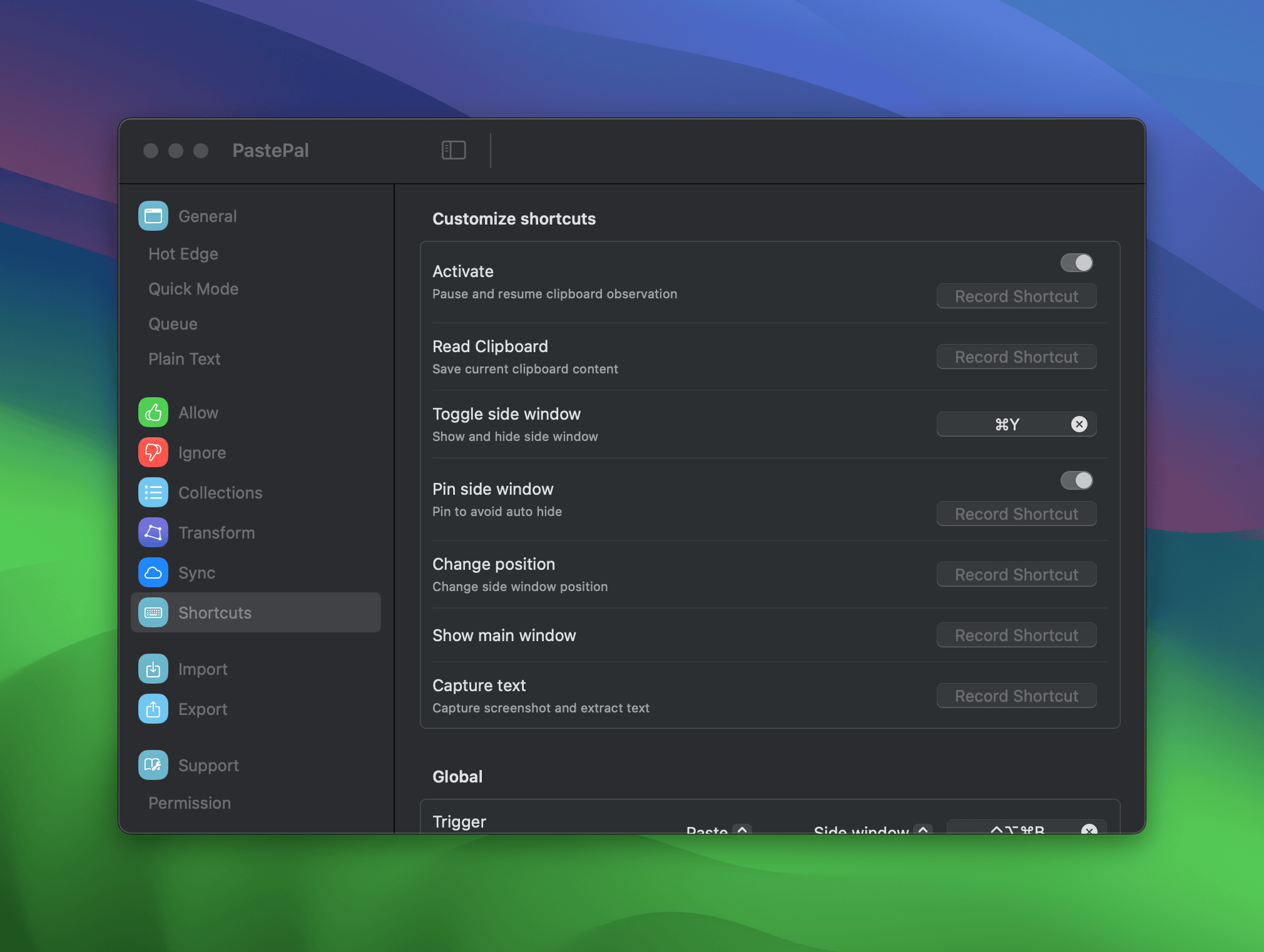
PastePal supports two kinds of keyboard shortcuts: global and local.
Global shortcuts
Global shortcuts work system-wide, even when PastePal is not in focus. You can customize them in Settings > Shortcuts > Global. The available actions are:
- Read Clipboard manually
- Toggle Side Window
- Show Main Window
- Show Queue
- Capture Text
- Pin Side Window
You can also set global shortcuts for triggering individual Queue items, so you can paste queued content without opening the Queue window.
Local shortcuts
Local shortcuts only work when the Side Window is focused. Because they are scoped to the window, they use simpler key combinations without conflicting with other apps.
Some local shortcuts are built in and cannot be changed:
| Shortcut | Action |
|---|---|
| Arrow keys | Navigate clips |
| Enter | Paste |
| Shift+Enter | Paste as plain text |
| Space | Preview |
| Shift+Space | Preview as plain text |
| Cmd+F | Focus search |
| Cmd+1 to Cmd+9 | Paste the Nth clip |
| Cmd+L | Lock or unlock clip |
| Cmd+I | Open clip detail |
| Escape | Dismiss |
| Cmd+, | Open Settings |
Others are customizable in Settings > Shortcuts > Local:
| Action | Default |
|---|---|
| Navigate to previous collection | Cmd+[ |
| Navigate to next collection | Cmd+] |
| Paste from stack | Cmd+V |
To change a local shortcut, go to Settings > Shortcuts, find the Local section, and click the shortcut field next to the action you want to update.