Schedule Shutdown
Set a timer to shutdown, restart or sleep
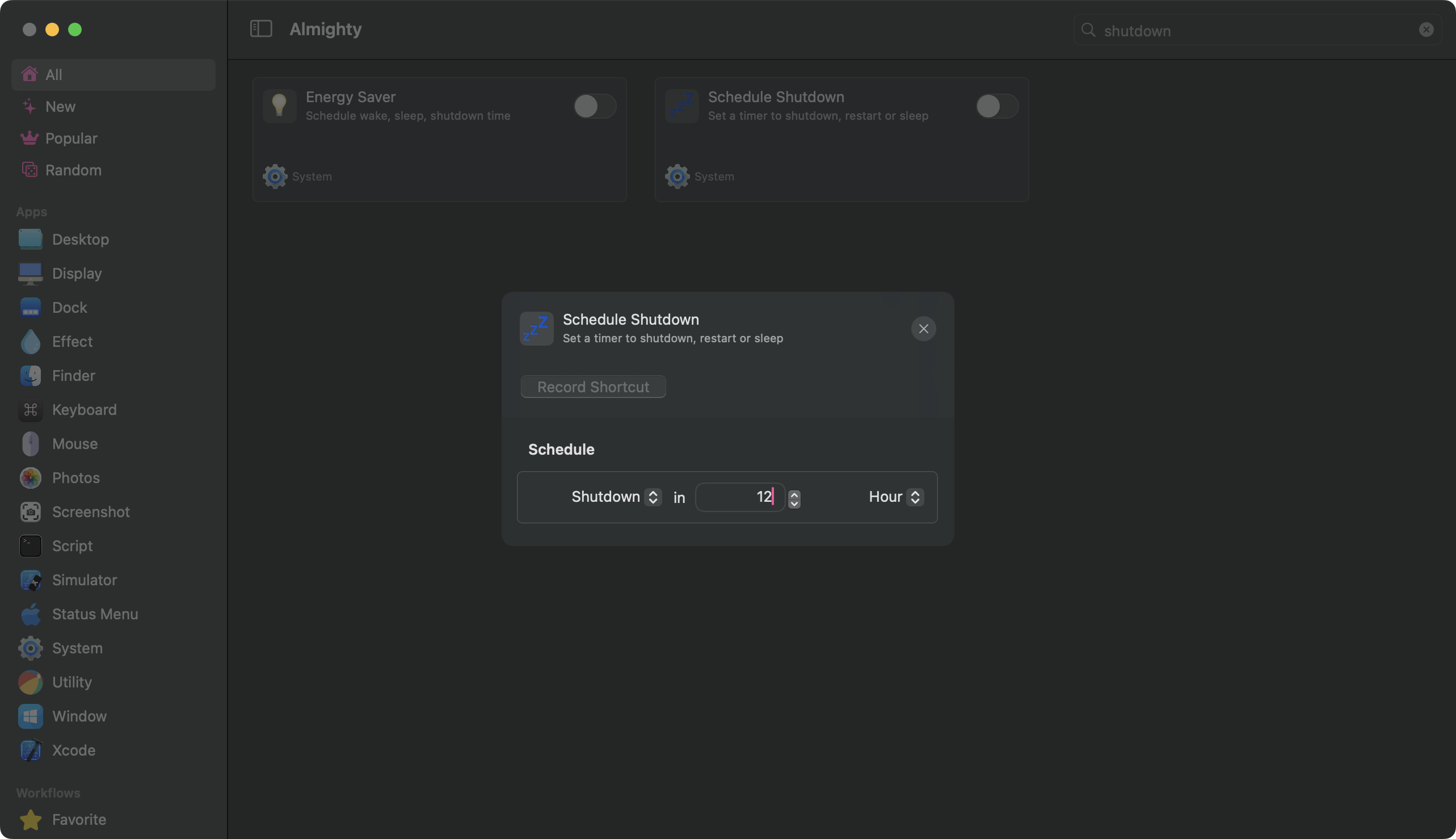
Configuration
Schedule Shutdown starts a countdown timer that shuts down, restarts, or puts your Mac to sleep after a set duration. It is a one-time action, not a recurring schedule. If you want your Mac to wake and shut down at the same time every day, use the Energy Saver tweak instead.
To set it up, click the configure icon next to the toggle. Pick the action you want: Shutdown, Restart, or Sleep. Then set how long from now it should happen, using minutes or hours.
When you toggle the tweak on, macOS will ask for your administrator password to schedule the action.
To cancel before the timer runs out, toggle the tweak off. Almighty will open a Terminal window and run sudo killall shutdown. Enter your administrator password in that window to cancel the countdown.
Available
- Standalone
- Setapp